Finding a cheap television online worldwide is easier when you combine smart store choices with a quick grasp of the specs that actually matter.
You keep costs down, avoid marketing traps, and land a screen that looks great in your room without paying for features you will not use.
Where to Buy Cheap TVs Online
Sticker shock happens fast during big sales, then doubts creep in about warranty and build quality; therefore, target reliable channels that cut price without cutting protections.
- Manufacturer-direct stores and outlet pages often clear last year’s models at deep discounts while keeping full regional warranties and official accessories.
- Authorized online retailers list competitive prices, run seasonal promos, and usually bundle extended return windows that protect you during setup and calibration.
- Verified marketplace sellers can be cost-effective when ratings are high, invoices are official, and return logistics are straightforward in your country or region.
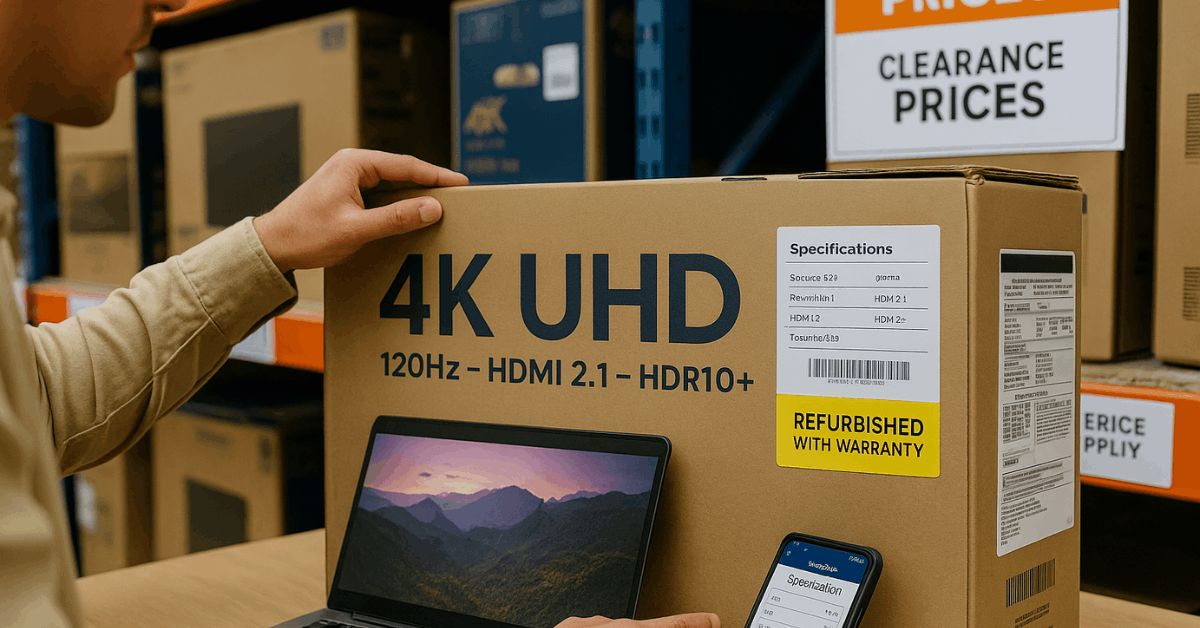
- Refurbished and open-box programs reduce prices on units tested and repackaged to factory standards, which means you gain savings without gambling on performance.
- Telecom and ISP bundles sometimes include a TV with broadband or mobile contracts, and the total cost of ownership can drop when spread across the plan.
- Cross-border platforms work when voltage, plug type, import taxes, and warranty coverage are confirmed in writing, that way you avoid expensive surprises after delivery.
- Previous-generation flagships undercut new midrange sets while keeping premium processing, local dimming, or OLED panels that age well over several years.
Pick the Right Size and Distance
Huge screens impress at checkout pages, yet overwhelm small rooms and budgets, which means you should match screen size to seating distance first.
Under 55 Inches
Smaller screens fit bedrooms, dorms, and tight viewing distances where a compact unit doubles as a monitor. Feature sets can be limited, so confirm panel type, HDR support, and at least one high-bandwidth HDMI port before you commit.
55 Inches
This has become the practical minimum for living rooms in apartments or small houses. Tabletop placement needs a sufficiently wide stand or a centered pedestal, so measure furniture width and VESA pattern if you plan to wall-mount.
65 Inches
Many buyers treat this as the new default for main rooms because details pop without forcing the couch too close. Visual dominance can crowd minimalist decor, so verify wall space, cable routing, and glare at your typical daylight angle.
75 Inches and Larger
Cinematic scale only works when seating is several meters away and the wall can structurally support the mount. Shipping, installation, and potential panel uniformity issues add cost, so budget for professional help and extended coverage.
Resolution: 4K Is the Sweet Spot
Spec sheets push 8K as the future, which means 4K remains the present-day value leader for nearly everyone. Pixel density on 55- to 65-inch 4K panels already exceeds what most viewers can discern at normal distances.
Native 8K content remains scarce, and upscaling quality varies by brand and price tier.
If you insist on 8K for a very large screen, consider premium models known for their strong processing; otherwise, you’ll pay more to display mostly upscaled 4K.
Panel and Backlighting Types
Poor lighting control ruins dark scenes on budget sets; as a result, you should recognize these common terms during product comparisons.
- Edge-lit LED uses LEDs around the perimeter, which often produces uneven brightness and visible bleed in dark rooms.
- Direct-lit LED places LEDs behind the panel for higher brightness, yet it can still show blotchy areas when local dimming is absent.
- Local dimming groups backlights into zones that independently brighten or darken, leading to better contrast and fewer halos around bright objects.
- Mini-LED increases the number of zones dramatically, so contrast improves and halos shrink, bringing LED TVs closer to high-end results at lower prices.
- OLED lights each pixel individually for perfect blacks and excellent contrast, while recent generations push brightness high enough for bright living spaces.
- Micro LED promises OLED-like blacks with extreme brightness, but sizes and prices remain impractical for typical homes worldwide.
- RGB LED uses red, green, and blue emitters instead of white or blue light with filters, which targets purer colors and less blooming on emerging models.
Quantum Dots and QD-OLED
Colors on inexpensive sets often wash out in bright scenes; in turn, quantum dots help maintain saturation while increasing luminance.
QLED televisions are still LCD TVs that add a quantum-dot layer for brighter, wider color without abandoning strong backlighting. QD-OLED combines OLED’s per-pixel control with quantum dots for higher brightness and color volume.
Competing OLED panels continue to improve as well, utilizing lens arrays or multi-stack designs to drive more light while maintaining high black levels.
HDR Formats to Prioritize
Dull highlights waste your 4K investment; consequently, you should check format support and real-world brightness.
- HDR10 is the baseline that appears on nearly every modern TV and most streaming content worldwide.
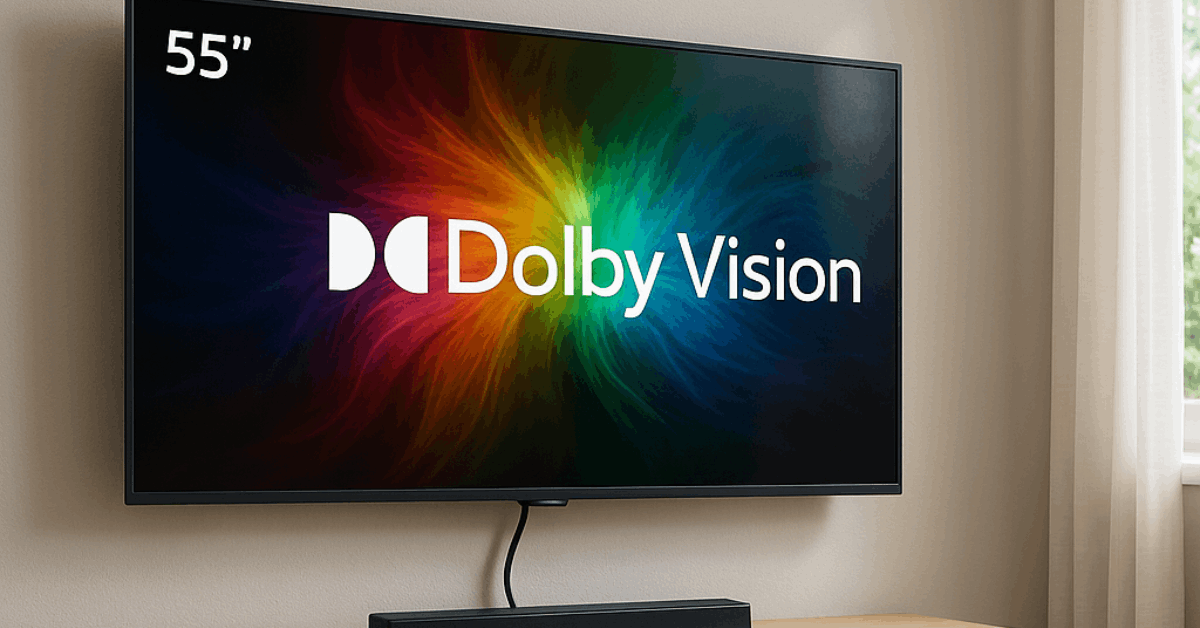
- Dolby Vision adds dynamic metadata for scene-by-scene or frame-by-frame tone mapping on supported content and displays.
- HDR10+ offers a similar dynamic approach, which is commonly supported and paired with certain brands’ ecosystems.
Panel brightness, local dimming, and tone-mapping quality matter as much as logos, so read measurements and user feedback when possible.
Gaming Features That Matter
Choppy motion and sluggish controls break immersion immediately; hence, you should match your console or PC capabilities to the panel.
A 120-Hz panel enables 120 frames per second on supported games and consoles, while some gaming PCs can push 144-Hz or 165-Hz on compatible models.
Input lag around ten to fifteen milliseconds generally feels responsive for most genres, although competitive shooters benefit from the lowest available figures.
- VRR (Variable Refresh Rate) keeps frames in sync to reduce tearing as game engines fluctuate under load.
- ALLM (Auto Low Latency Mode) switches the TV into its lowest-lag preset when a console or PC handshakes over HDMI.
- HDMI 2.1 provides the bandwidth for 4K at 120-Hz plus VRR and ALLM on multiple ports, which is ideal if you own more than one modern device.
- HDMI 2.2 was announced with higher bandwidth and commercial features, yet it offers little practical benefit for home users compared to solid HDMI 2.1 implementations.
Ports, Cables, and Audio Paths
Missing a single feature can complicate your setup for years; accordingly, verify connectivity before placing the order.
- Count the high-bandwidth HDMI ports so consoles, streamers, and receivers connect without compromises or switch boxes.
- Look for eARC if you plan a soundbar or receiver that supports lossless formats and want volume controlled through the TV remote.
- Keep an optical output as a fallback path for older audio gear when eARC is not available.
- Prefer Ethernet when possible because stable network throughput improves 4K streaming more than marginal Wi-Fi signal strength gains.
- Replace aging HDMI cables with certified high-speed or ultra-high-speed versions to avoid handshake issues and intermittent black screens.
Smart TV Software
Slow, ad-heavy launchers make streaming feel dated quickly; that way, you should favor a platform you already like or can easily replace.
Google TV, Tizen, webOS, and Roku OS cover the major app libraries worldwide, yet update philosophies and privacy controls differ.
A cheap streaming stick can standardize the interface across rooms and extend the life of an otherwise excellent panel, which is often cheaper than stepping up an entire TV tier.
Price Expectations and Timing
Price bands vary by region and currency; therefore, judge value by features rather than exact numbers.
Entry-level sets focus on basic 4K, HDR10, and streaming apps, while midrange models add stronger processing, local dimming or mini-LED, and at least one HDMI 2.1 port.
Premium models deliver OLED or high-zone mini-LED, multiple HDMI 2.1 inputs, higher brightness for demanding HDR, and superior motion handling for sports and games.
- The entry tier suits casual streaming and secondary rooms, although panel uniformity and motion may be modest during fast-action scenes.
- The midrange tier offers the best price-to-performance ratio for most households, providing brighter HDR, improved contrast, and gaming features without luxury premiums.
- Premium tier targets cinephiles and enthusiasts who want impactful HDR, top processing, and excellent build quality that stays relevant longer.
Sales cycles repeatedly improve deal quality worldwide, including 11.11 Singles’ Day, Black Friday and Cyber Monday, end-of-season clearances, back-to-school periods, regional holidays such as Diwali or Lunar New Year, and retailer anniversary events.
Large discounts often land on previous-year models when new lineups ship, and those units remain excellent choices for tight budgets.
A Quick Buying Checklist
Too many open tabs increase the risk of a mistake, so it’s essential to run this brief checklist before making a payment.
- Confirm viewing distance and size using a simple ratio, then choose the smallest screen that still feels cinematic in your seating position.
- Prefer 4K panels with strong brightness and local dimming or OLED when possible because those traits impact picture quality more than minor extras.
- Target HDR10 plus either Dolby Vision or HDR10+, ensuring the brand’s tone-mapping reputation is solid for your primary streaming apps.
- Require at least one HDMI 2.1 port for future readiness, and count devices to see whether you actually need two or more.
- Check published input-lag figures and 120-Hz support if games matter, since oversights here cannot be fixed after delivery.
- Read warranty terms that explicitly cover your country, and save screenshots of the listing details and model number for service claims.
- Verify return and exchange logistics, including who pays pickup costs for large-screen returns and how panel defects are evaluated.
- Calculate total cost including wall mounts, cabling, surge protection, and possible import duties when ordering cross-border.
- Use payment methods that add purchase protection or extended warranty, particularly for heavy or fragile electronics.
- Consider refurbished or open-box units only when the seller provides a written warranty and simple return steps.
Do Not Forget Audio
Thin cabinets limit speaker size and depth; as a result, you should plan a simple audio upgrade that fits your space and budget.
A compact soundbar connected over HDMI eARC cleans up dialog, improves dynamics, and keeps control on a single remote.
Powered bookshelf speakers with an HDMI ARC input or optical port produce fuller stereo imaging at desks or small living rooms, while a small subwoofer adds impact at lower volumes without rattling thin walls.
Conclusion
You get the best cheap television online when the store is reputable, the size fits the room, and the panel, HDR, gaming, and port choices align with your actual use.
Focus on 4K, verify a few critical features, and time purchases around global sales so value remains strong long after the delivery truck leaves.