Built-in TV platforms often feel slow, cluttered, or dated; a small, inexpensive streaming box boosts navigation, unlocks modern formats, and extends update support.
You want fast app launches, reliable 4K HDR, stable Wi-Fi or Ethernet, and a remote that handles TV power and volume without friction.
Focus on the right specs, pick a value model that fits your ecosystem, and use safe buying tactics worldwide to cut costs while you upgrade.
Do You Even Need One?
Laggy menus, limited apps, or poor HDR quickly ruin a binge session, which means a small, cheap box can upgrade performance without replacing your TV.
You want a cleaner interface and quicker app launches than many built-in TV platforms provide. Your TV or old dongle lacks 4K, HDR, or modern audio formats such as Dolby Atmos.
Casting and cross-app search matter, and your current setup buries content behind app icons. Travel is frequent and you need a pocket-sized device that works on hotel or guest Wi-Fi.
What to Look For in a Budget Streamer
Cheap gear can hide painful trade-offs; as a result, checking a few specs upfront prevents buyer’s remorse.
- 4K and HDR support: Aim for 4K plus HDR10 at minimum; Dolby Vision and HDR10+ add flexibility for different TVs.
- Audio formats: Dolby Atmos passthrough keeps your soundbar or AVR working at full capability.
- Wi-Fi and Ethernet: Wi-Fi 6 or 6E improves stability in crowded homes; Ethernet is great when the router sits nearby.
- Search and recommendations: Cross-service results save time and reduce hopping between apps.
- Ecosystem needs: AirPlay 2 favors Apple households; Chromecast built-in helps Android and Chrome users.
- Remote quality: Backlit keys, TV volume/power control, and a reliable mic make everyday use easier.
- Storage and speed: More RAM and storage help apps stay open and updates install smoothly.
- Privacy controls: Clear opt-outs for ad tracking and voice mics matter in shared spaces.
Best Cheap Picks
Prices fluctuate worldwide, so think in ranges and focus on fit rather than chasing a single number.
Best Overall Under US$100: Google TV Streamer (4K)
You get fast navigation, broad app coverage, robust voice search, and strong 4K HDR support including Dolby Vision and Atmos. The interface surfaces “continue watching” tiles across services, which reduces app diving and helps you resume instantly.
Ethernet on the box and USB-C power keep cabling simple. Lack of Wi-Fi 6/7 is the main compromise, yet 4K streams remain stable on typical home networks.
Where to buy (worldwide): Major e-tailers, official brand stores, and regional marketplaces that host authorized resellers.
Best Value Around US$50: Onn. Google TV 4K Pro
Performance is solid for the price, with the same Google TV interface and hands-free “Hey Google” support on the box.
Materials feel cheaper and heavy multitasking can slow down, yet the experience remains smoother than many old TV platforms. Ethernet, a remote-finder button, and a bundled HDMI cable add convenience.
Where to buy (worldwide): Availability varies by region; look for house-brand equivalents or certified Google TV boxes sold by local big-box chains and online marketplaces.
Best for Roku Fans: Roku Streaming Stick 4K
A simple grid of apps, reliable stability, and strong third-party app coverage make this stick easy to live with.
AirPlay 2 helps iPhone and iPad owners mirror or cast. Search is less ambitious than Google TV, and deeper content aggregation feels limited, but ease of use is excellent.
Where to buy (worldwide): Amazon, regional electronics chains, and the official Roku store in supported markets.
Best for Amazon Viewers: Fire TV Stick 4K Max
Tight Prime Video integration, fast setup, Wi-Fi 6E, and Alexa controls suit homes that already use Echo speakers or Ring cameras.
The interface leans toward Amazon content; cross-service results exist but can prioritize Prime recommendations.
Where to buy (worldwide): Amazon’s country sites, official retail partners, and authorized marketplace storefronts.
Splurge for Apple Households: Apple TV 4K
Not the cheapest, yet the smooth interface, private listening with two pairs of AirPods, AirPlay 2, and broad HDR support make it a strong long-term pick if you live in Apple’s ecosystem.
Where to buy (worldwide): Apple Store, Apple Authorized Resellers, and major e-commerce sites.
Where to Buy Cheap: Worldwide Sources and Tactics
Finding the right store matters as much as picking the right box; therefore, use the channels below to stretch your budget safely.
Primary Retailers and Marketplaces
Buy from authorized sellers and check warranty terms that apply in your country.
- Global e-commerce platforms: Amazon, eBay, and AliExpress cover many countries and often host official brand storefronts.
- Regional marketplaces: Look for reputable options such as Lazada or Shopee in Southeast Asia, Mercado Libre in Latin America, Flipkart in India, and JD or Tmall in China.
- Brick-and-mortar electronics chains: Examples include MediaMarkt, Currys, Argos, and similar retailers that offer in-store pickup and easy returns.
Certified Refurbished and Open-Box
Tight budgets benefit from lightly used stock, which means you can save 10–40 percent without losing warranty coverage.
- Certified refurbished: Apple Refurbished, Amazon Renewed, and official brand programs include tested units and fresh accessories.
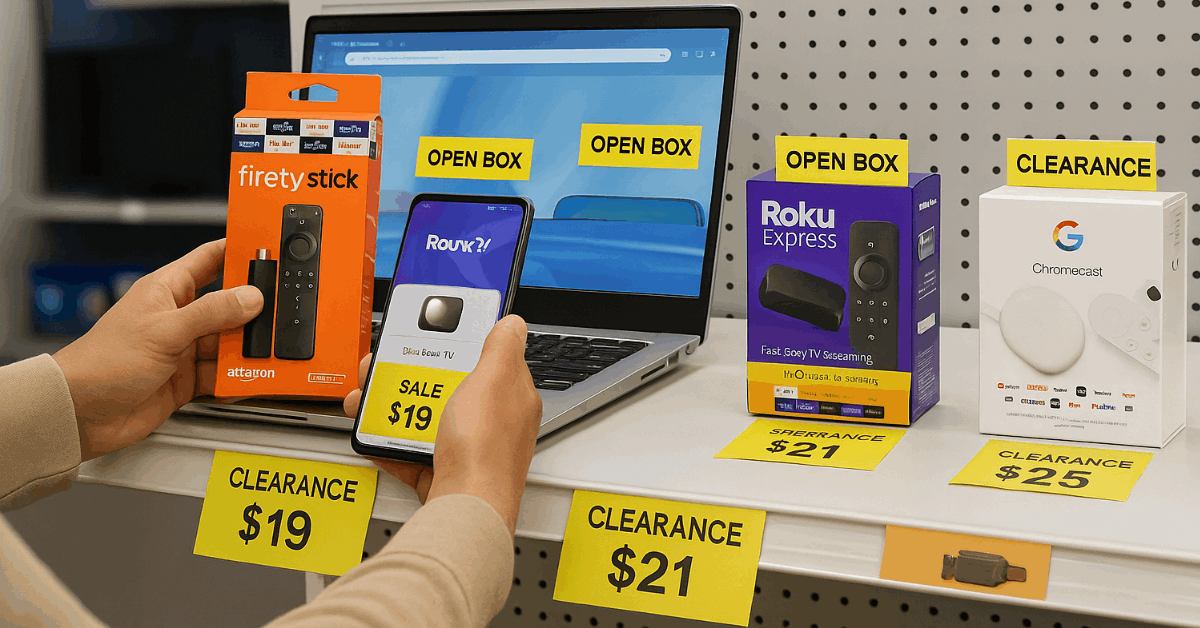
- Open-box and clearance: Large retailers list returned or display items online; verify return windows and accessory completeness.
Time Your Purchase
Sale calendars can beat everyday pricing, which in turn helps you afford a higher-tier model.
- Global events: Prime-style promotions, Black Friday/Cyber Monday, 11.11 Singles’ Day, and back-to-school periods.
- Model refreshes: New releases push last-gen models into discount bins while keeping core features intact.
Bundles and ISP Deals
Service providers sometimes bundle streamers, as a result you might get hardware at a steep discount.
- Internet and mobile carriers: Check add-on pages for subsidized or free devices tied to plan upgrades.
- TV brands: Some promotions include a streaming stick with select televisions.
Safe Second-Hand Buying
Used markets cut prices further; that way, you avoid overspending while staying functional.
- Checklist: Confirm remote model, power adapter type, HDMI cable, and region compatibility for apps.
- Standards: Ensure HDCP 2.2 or higher for 4K, and verify HDR support matches your TV.
- Sanitation: Factory-reset the device, unlink old accounts, and update firmware on first boot.
Quick Comparison at a Glance
Too many specs slow decisions; therefore, use this quick table to match features and price before you buy.
| Device | Best For | HDR Support | Voice Control | Typical Price Range | Where to Buy (Worldwide) |
| Google TV Streamer (4K) | Overall speed and search | Dolby Vision, HDR10 | Remote mic | ~US$80–100 | Brand store, major e-tailers |
| Onn. Google TV 4K Pro | Lowest price with Google TV | Dolby Vision, HDR10 | Hands-free + remote | ~US$40–60 | Regional big-box chains, marketplaces |
| Roku Streaming Stick 4K | Simple UI and stability | Dolby Vision, HDR10+ | Remote mic | ~US$25–50 | Roku store, global e-commerce |
| Fire TV Stick 4K Max | Prime-centric homes | Dolby Vision, HDR10+ | Alexa | ~US$40–60 | Amazon and partners |
| Apple TV 4K | Apple ecosystem features | Dolby Vision, HDR10+ | Siri remote | ~US$120–180 | Apple and authorized resellers |
Setup and Performance Tips That Save Headaches
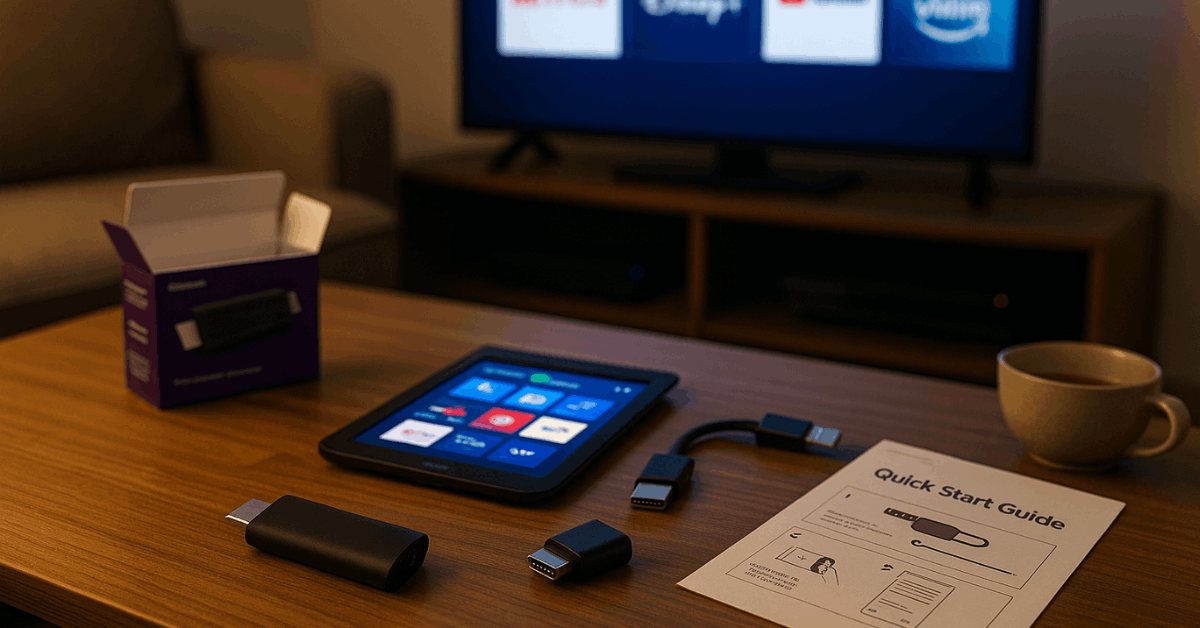
Small tweaks improve quality instantly, hence you lock in smoother playback on day one.
- Use the right HDMI port: Select the TV’s 4K/60 or 4K/120 port with HDMI 2.0 or 2.1 and enable “Enhanced” or “Ultra HD Deep Color.”
- Network hygiene: Prefer 5 GHz or Wi-Fi 6/6E SSIDs; place the router in open space or use Ethernet when possible.
- Match frame rate and range: Enable “Match frame rate” and “Match dynamic range” to avoid stutter and blown-out highlights.
- Audio passthrough: Set Dolby Atmos or bitstream passthrough so the soundbar or AVR does the decoding.
- Privacy settings: Review ad tracking, voice recording, and personalized recommendations during setup, then disable unwanted toggles.
- App order: Pin your top five services on the first row to reduce clicks and decision fatigue.
Conclusion
Pick a streamer that matches your ecosystem, prioritizing 4K HDR, stable networking, and a remote that simplifies daily use.
Buy from authorized sellers or certified refurbished programs worldwide, time your purchase around major sales, and confirm standards like HDCP and Dolby support.
Apply the setup tweaks on day one so you launch apps faster, avoid stutter, and keep playback reliable without overspending.