Finding an affordable, high-quality drawing tablet worldwide is easier when you know exactly what features matter, how different types compare, and which models deliver the best value.
This guide covers key buying factors, essential technical details, and practical recommendations so you can choose a tablet that fits your needs and budget.
Types of Drawing Tablets
Choosing the right type of tablet is the first step.
- Pen Tablet: No screen. Requires connection to a computer. Usually the most affordable and portable option.
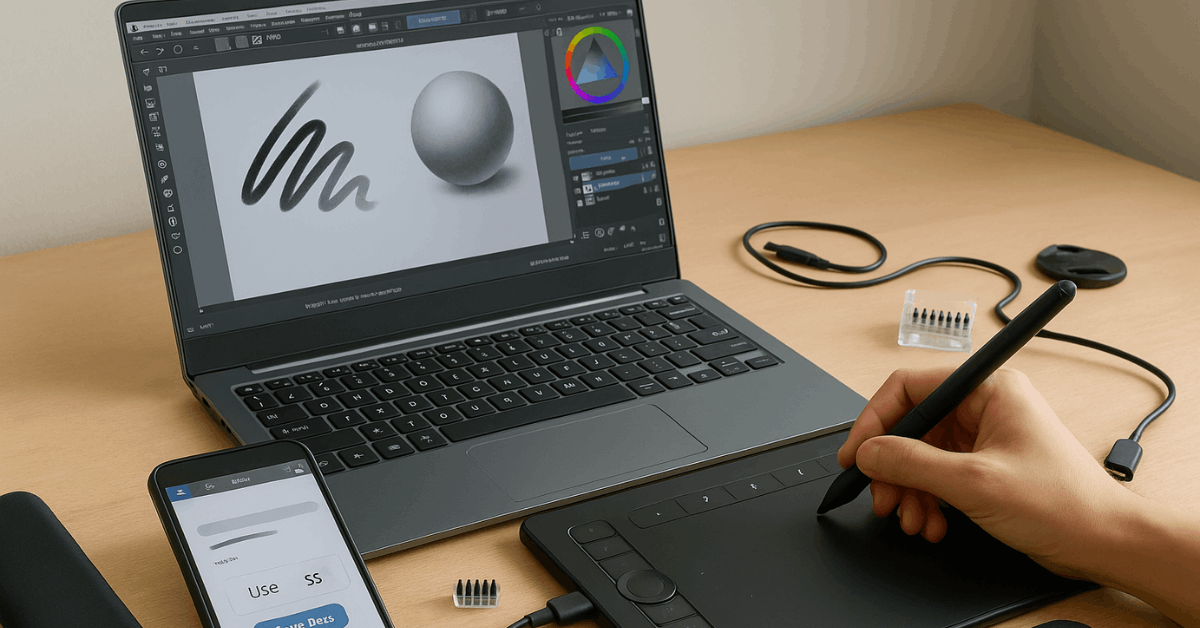
- Pen Display: Built-in screen. Requires a computer. Offers direct eye-hand coordination for drawing.
- Standalone Tablet: Screen included. Functions independently without a computer. Examples: iPad, Samsung Galaxy Tab.
For beginners, a pen tablet without a screen is generally the most cost-effective and reliable starting point. Opt for a pen display only if drawing directly on a screen is essential.
Key Buying Guidelines
Buying without a plan can lead to overspending or ending up with features you never use. Keep these points in mind:
- Start simple: As a beginner, avoid high-end models with complex extras that may slow your learning.
- Set your budget: Affordable entry-level tablets often perform well enough for years of use.
- Check OS compatibility: Ensure it works with Windows, macOS, Linux, and, if needed, Android or iPadOS.
- Decide on connection type: Wired tablets are stable and cheaper; wireless ones offer portability.
- Choose the right size: Medium working areas balance comfort and portability.
Important Features to Compare
Core Drawing Specs:
- Pressure Sensitivity – Most tablets have 8,192 levels, which is more than enough. Higher levels (e.g., 16K) are fine but not essential.
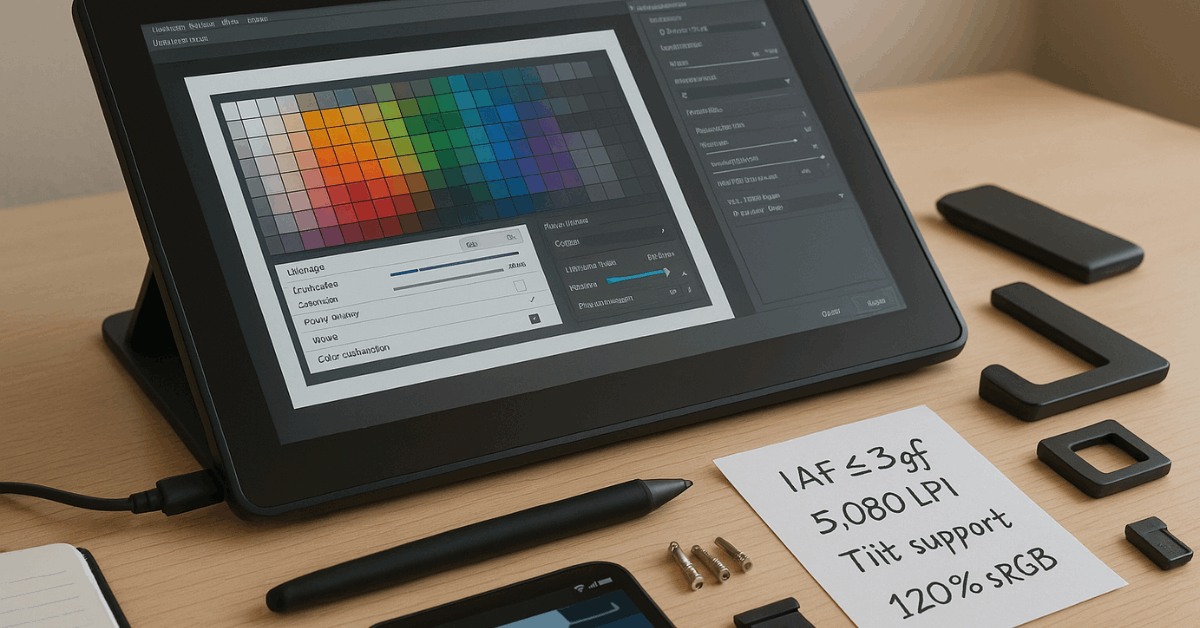
- Initial Activation Force (IAF) – Lower values (≤3gf) make strokes more responsive.
- Tilt Support – Useful for shading and certain styles; common in most modern models.
- Resolution (LPI) – 5,080 LPI is standard and adequate for precise work.
- Diagonal Wobble – Minor line distortion at angles. Test or research reviews before buying.
Secondary Features:
- ExpressKeys – Customizable buttons for shortcuts.
- Touch Input – Often less refined than on tablets like iPads. Avoid if you expect smartphone-like responsiveness.
- Surface Texture – Impacts pen feel; some prefer a paper-like resistance.
Display-Only Considerations:
- Anti-Glare Sparkle – Reduces glare but may create a visible texture some dislike.
- Parallax & Lamination – Laminated screens reduce pen-to-cursor distance for better accuracy.
- Brightness & Color Accuracy – IPS panels are reliable; OLED is less common in this category.
- Cable Requirements – Pen displays require at least one cable, sometimes two for larger models.
Ergonomics and Use
Comfort during long sessions depends on your setup:
- Body Posture: Pen tablets encourage upright posture; pen displays require looking down, which can strain your neck.
- Mounting Options: Many pen displays have VESA mounts for adjustable arms.
- Leg Stands: Useful for angled drawing; common in pen displays, rare in pen tablets.
- Noise and Heat: Most models run quietly and stay cool.
Recommended Huion Tablets for Beginners
Huion offers affordable, reliable models suitable for entry-level and intermediate users. Below are six options that balance cost, features, and usability.
1. Inspiroy 2 S
Portable and budget-friendly, ideal for note-taking, study, or casual art. Priced around $49.99, with discounts possible.
- Type: Pen Tablet
- Working Area: 6.3 × 3.9 in
- Keys: 6 Press Keys + Scroller
- Pressure: 8,192 levels
- Connectivity: Wired
- Weight: 275 g
2. Inspiroy 2 M
Medium-sized surface and multiple shortcut profiles make it a good fit for design students. Approx. $59.49 during sales.
- Type: Pen Tablet
- Working Area: 8.7 × 5.4 in
- Keys: 8 Press Keys + Scroller + 3 Group Keys
- Pressure: 8,192 levels
- Connectivity: Wired
- Weight: 420 g
3. Inspiroy Frego S
No shortcut keys for a distraction-free experience. Lightweight with long battery life. The sale price is often around $63.99.
- Type: Pen Tablet
- Working Area: 6.3 × 3.9 in
- Keys: None
- Pressure: 8,192 levels
- Connectivity: Wired & Wireless (Bluetooth)
- Weight: 280 g
4. Inspiroy Frego M
Large surface, ergonomic edges, and textured feel for extended drawing sessions.
- Type: Pen Tablet
- Working Area: 10 × 6.25 in
- Keys: None
- Pressure: 8,192 levels
- Connectivity: Wired & Wireless (Bluetooth)
- Weight: 546 g
5. Kamvas 12
Bright colors, customizable keys, and pen tablet mode for flexibility. Often priced at $159 on promotion.
- Type: Pen Display
- Screen: 11.6 in, 1920 × 1080, 120% sRGB
- Keys: 8 Press Keys
- Pressure: 8,192 levels
- Connectivity: 3-in-1 Cable or USB-C
- Weight: 735 g
6. Kamvas 13 (Gen 3)
High color accuracy and advanced pen tech for serious hobbyists or small studios. Priced around $249.
- Type: Pen Display
- Screen: 13.3 in, 1920 × 1080, 99% sRGB, PenTech 4.0
- Keys/Dials: 5 Press Keys + 2 Dials
- Pressure: 16,384 levels
- Connectivity: 3-in-1 Cable or USB-C
- Weight: 865 g
Quick Comparison
Compare key specs, features, and prices of these recommended tablets at a glance but prices vary by promotion and region:
| Model | Type | Price* | Area/Screen Size | Pen Pressure | Keys | Connectivity | Weight |
| Inspiroy 2 S | Pen Tablet | $49.99 | 6.3 × 3.9 in | 8,192 | 6 + Scroller | Wired | 275 g |
| Inspiroy 2 M | Pen Tablet | $69.99 | 8.7 × 5.4 in | 8,192 | 8 + Scroller + 3 Groups | Wired | 420 g |
| Inspiroy Frego S | Pen Tablet | $79.99 | 6.3 × 3.9 in | 8,192 | None | Wired & Wireless | 280 g |
| Inspiroy Frego M | Pen Tablet | $99.99 | 10 × 6.25 in | 8,192 | None | Wired & Wireless | 546 g |
| Kamvas 12 | Pen Display | $219 | 11.6 in | 8,192 | 8 Keys | 3-in-1 / USB-C | 735 g |
| Kamvas 13 (Gen 3) | Pen Display | $239 | 13.3 in | 16,384 | 5 Keys + 2 Dials | 3-in-1 / USB-C | 865 g |
Conclusion
Compare multiple stores and official brand sites for the best deals. Watch for seasonal promotions and bundle offers. Check compatibility lists before purchase to avoid return hassles.
Read user reviews for real-world feedback on wobble, texture, and durability. Selecting the right drawing tablet depends on your priorities.
By focusing on essential features and avoiding unnecessary extras, you can get a reliable, high-performing device at a price that fits your budget, without sacrificing creative potential.