Finding a low-cost 4K monitor is easier when you focus on the right specs, shop in the right places worldwide, and stay realistic about trade-offs.
You avoid overpaying, you keep image quality high enough for work and entertainment, and you end up with a display that fits your desk and devices.
Why Cheap 4K Exists Now
Prices fall when brands push midrange parts into entry tiers, which means more 27–32 inch panels, wider port options, and better motion handling reach budget shelves.
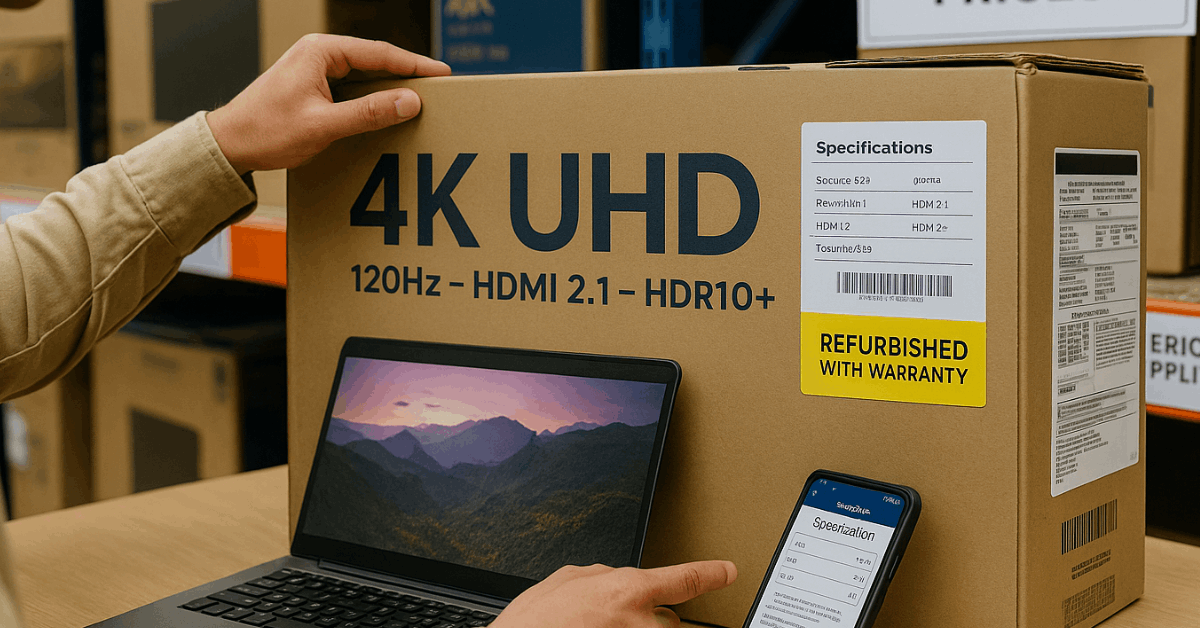
You still sacrifice premium extras like full-array local dimming or HDMI 2.1 on every model, yet you can secure sharp 4K text, accurate color after basic calibration, and reliable connectivity without premium pricing.
Where to Buy Online
Sticker shock usually drops once you check a few dependable channels, therefore you should compare at least two sources in each category below.
| Store type | Why it helps | Practical tip |
| Manufacturer outlets (Dell, HP, Lenovo, LG, ASUS) | Frequent direct discounts, bundles, and clear warranty terms | Filter for “clearance” and “refurbished grade A” to hit the lowest 4K prices |
| Global marketplaces (Amazon, eBay, regional equivalents) | Broad inventory and aggressive third-party pricing | Sort by “4K” and set a strict ceiling; watch lightning or coupon deals |
| Specialist retailers (Newegg, B&H, Scan, PCCG equivalents) | Better spec filters and honest panel listings | Use side-by-side compare for ports, HDR claims, and panel type |
| Refurbished stores (brand-certified) | Deep cuts while keeping a warranty | Confirm panel hours, pixel policy, and return window length |
| Local e-commerce platforms (operating regionally but shipping worldwide) | Lower shipping and easier returns for your location | Message sellers to confirm exact model codes and included cables |
| Deal trackers and forums | Early alerts on price drops | Set alerts for “27-inch 4K IPS” and “32-inch 4K VA 60–144 Hz” so you react fast |
Specs That Matter Most for 4K Value
You can avoid paying for hype once you match features to how you compute, which means you get sharp text for work and clean motion for games without padding the budget.
- Panel type (IPS vs VA vs TN): IPS gives wide viewing angles and strong color accuracy for office and creative work; VA delivers high contrast and deeper blacks for movies and dim rooms; TN prioritizes speed and price but compromises color and angles.
- Refresh rate: 60–75 Hz works for office and content, 120–144 Hz boosts fluidity for modern consoles and PCs, and anything higher targets competitive gaming more than general use.
- Response time and input lag: Lower numbers reduce blur and keep controls snappy; reviewers often publish gray-to-gray response and measured lag, so rely on those charts over marketing labels.
- HDR reality: Entry 4K models rarely include strong local dimming; edge-lit HDR adds highlights but cannot create OLED-like contrast, so treat “HDR” as a bonus rather than a must-have at low prices.
- Brightness and reflections: Aim for 300–400 nits for bright rooms, plus a matte finish that handles overhead lighting well.
- Ports: HDMI 2.0 handles 4K60 widely; HDMI 2.1 or DisplayPort 1.4 supports 4K120 for consoles and PCs; USB-C (DP Alt Mode, ideally 65–90 W power) simplifies laptop setups.
- Size and pixel density: 27-inch 4K produces very crisp text at typical desk distances; 32-inch 4K eases scaling and suits larger workspaces; ultrawide formats improve workflow but are not native 4K.
- Ergonomics: Height, tilt, swivel, and pivot reduce neck strain; VESA mounting unlocks arm stands when included bases are limited.
Quick Model Watchlist for Budget Shoppers
A few baseline references make comparisons faster, and in turn, help you judge deals you see online.
4K On a Budget
Affordable 4K monitors can still deliver sharp visuals and reliable performance without draining your budget.
- HP Z27 4K UHD Display (27-inch IPS, 3840×2160, 60 Hz): Solid color accuracy, clean text rendering, and a business-friendly build make this a dependable productivity panel when gaming speed is not the priority.
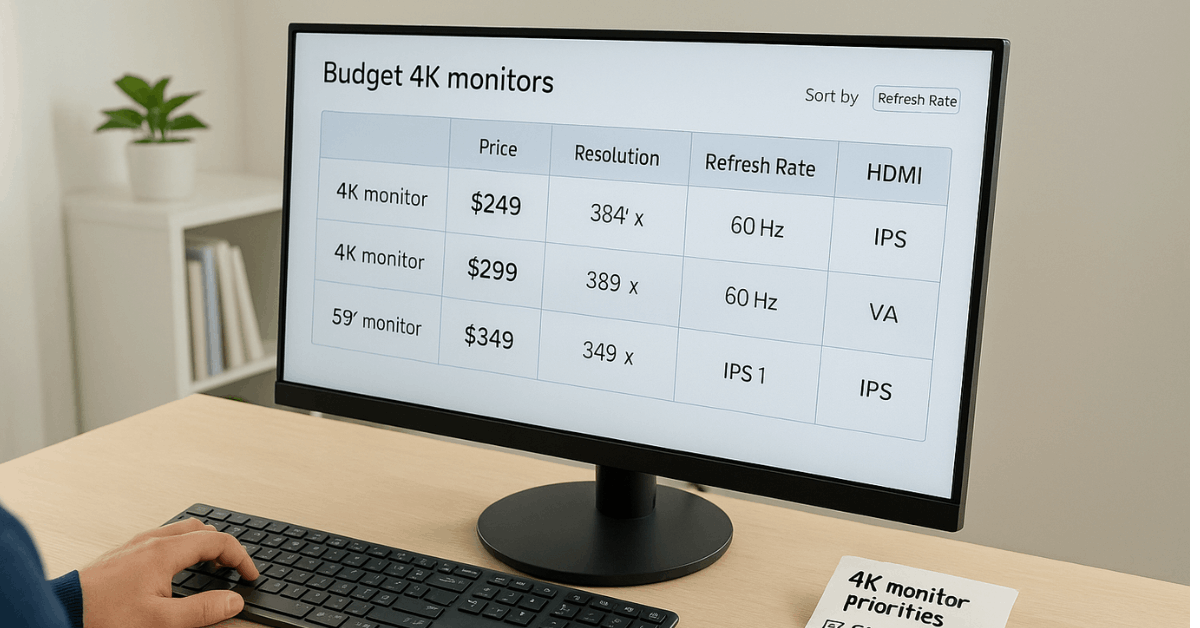
- Typical budget 4K choices (varied brands, 27–32 inches, 60–120 Hz): Expect IPS for wide angles or VA for contrast, HDMI 2.0 as the floor, and DisplayPort 1.4 for higher refresh support on PCs. USB-C appears on more midrange 4K models and is worth paying for when you dock laptops daily.
Strong Non-4K Value Alternatives
When the price of 4K stretches the budget, these non-4K picks deliver excellent value for specific needs.
- AOC Q27G3XMN (27-inch, 2560×1440, up to 180 Hz, Mini LED local dimming): Unusual Mini LED backlight for the price improves contrast and HDR pop relative to typical budget panels, while gaming feels responsive at high refresh.
- Dell G2524H (25-inch, 1920×1080, up to 280 Hz): Competitive gamers benefit from very high refresh and sharp motion; the 1080p resolution lowers GPU load but sacrifices image depth and HDR features.
- ViewSonic XG2431 (24-inch, 1080p, 240 Hz): Customizable backlight strobing reduces persistence blur for cleaner motion clarity; brightness is strong for small desks and bright rooms.
- LG 32GN650-B / 32GN63T-B (32-inch, 1440p, 165 Hz): Bigger canvas and deep blacks suit casual play and media in darker spaces; HDR remains limited without local dimming.
- Dell S3422DWG (34-inch ultrawide, 3440×1440, 144 Hz): A wider field of view enhances immersion and multitasking; high contrast improves movie quality, but motion can exhibit some smearing at high speeds.
Additional mentions worth tracking during sales:
- ASUS ROG Strix XG27ACS: Entry-level gaming focus, cleaner motion than many budget peers, and a good pick when HDR matters less than speed.
- Alienware AW2523HF: 25-inch panel tuned for 360 Hz gaming; target this when discounts bring it closer to 240 Hz pricing.
- Gigabyte GS27QC: Affordable 27-inch alternative that trades top-tier motion for a higher resolution than basic 1080p options.
- AOC 24G15N: Very low-cost 24-inch choice when budget pressure is highest and refresh needs are modest.
Shop By Use, Size, and Resolution
Having a simple map shortens your search, which means you stop scrolling and start filtering to the right bucket quickly.
Use-case targets:
- Productivity and home office: 27-inch 4K IPS at 60–75 Hz for crisp text and accurate color, plus an ergonomic stand.
- Gaming across genres: 27-inch 1440p at 144–180 Hz for balanced clarity and speed; move to 4K120 only when the GPU and console can sustain it.
- Creative work: 27–32-inch 4K IPS with factory calibration targets, uniformity controls, and at least 95–100% sRGB coverage for general design.
- Portable or small desks: 23–24.5-inch models for tight spaces, focusing on brightness and stand flexibility.
Size guidance:
- Portable or <23 inches: Students and travel setups benefit from compact panels and lighter stands.
- 23–24.5 inches: Efficient for dual-screen text work and smaller gaming areas.
- 27–28 inches: Most popular for spreadsheets and editing, since scaling stays comfortable.
- 29 inches or more: Ideal for visual work and immersive media, assuming desk depth supports the viewing distance.
Resolution tiers:
- 4K (3840×2160): Best clarity and long-term sharpness on 27–32 inches.
- Quad HD (2560×1440, including 3440×1440 ultrawide): Strong balance between GPU load and detail.
- Full HD (1920×1080): Acceptable for basic tasks and esports-style speed at very low cost.
Connectivity Checklist for 4K Buyers
HDMI version that matches your plan: HDMI 2.1 for 4K120 on current consoles; HDMI 2.0 for 4K60 on most devices. DisplayPort 1.4 for 4K120 on PCs, including DSC support on many GPUs.
USB-C with DP Alt Mode and power delivery when docking laptops; verify wattage against the laptop’s charger. Included cables listed on the product page; many budget models ship without DisplayPort or USB-C.
VESA mount pattern, in case the stock stand lacks height or swivel adjustments.
How to Judge Real Image Quality Online
Marketing terms vary across brands, which means you should lean on measurement-driven reviews and user reports.
- Check measured response times, overshoot, and input lag charts for motion clarity.
- Look for peak brightness numbers and reflection handling notes for bright rooms.
- Prioritize real contrast ratio data and the presence or absence of local dimming.
- Confirm color coverage (sRGB, DCI-P3) and uniformity when photo or video work matters.
Read the pixel policy and return terms to handle stuck or dead subpixels without headaches.
If Your Budget is Extremely Tight
Price ceilings can force trade-offs; as a result, you should pick the compromise that helps your daily tasks the most.
- Choose a 27-inch 4K 60 Hz IPS for office clarity and content consumption, accepting limited HDR.
- Prefer a 32-inch 4K VA when movie contrast matters more than perfect viewing angles.
- Drop to 1440p at 144–180 Hz for smoother gaming while keeping image detail above 1080p.
- Go 1080p high refresh for competitive speed when every frame counts.
Consider refurbished or open-box units through certified programs to stretch your money while keeping support.
Fast Setup Steps for a New Monitor
Minor adjustments improve comfort and clarity, so that you get full value on day one.
- Set the top of the screen near eye level and keep the panel an arm’s length away for relaxed posture.
- Start near 30–40% brightness in darker rooms and raise gradually until text remains comfortable without glare.
- Enable a blue-light filter or schedule warm color temperature during late hours to reduce eye strain.
- Run basic color calibration using built-in presets or an OS-level tool; select sRGB mode for general work when available.
- Route cables cleanly and secure the power brick, since tidy wiring prevents accidental tugs that loosen ports.
- Enable Adaptive-Sync (FreeSync or G-SYNC Compatible) on gaming PCs to eliminate tearing at variable frame rates.
- Pick the sharpest scaling level in your OS; 150% at 27-inch 4K and 125% at 32-inch 4K work well for many users.
Conclusion
Smart shoppers target 27–32 inch 4K panels with honest specs, proven measurements, and the right ports, then buy through reliable worldwide channels that post clear return policies.
You secure crisp text, strong everyday color, and the refresh rate your hardware can actually drive, while keeping the total well below flagship pricing.