Watching football online is easier than ever. You can catch live matches from your phone, tablet, or computer. This guide will show you how to start streaming games quickly and safely.
Choose a Reliable Streaming Platform
To watch football online, you need a reliable streaming platform. Picking the right service ensures smooth playback and avoids interruptions. Here are some popular options, along with key considerations.
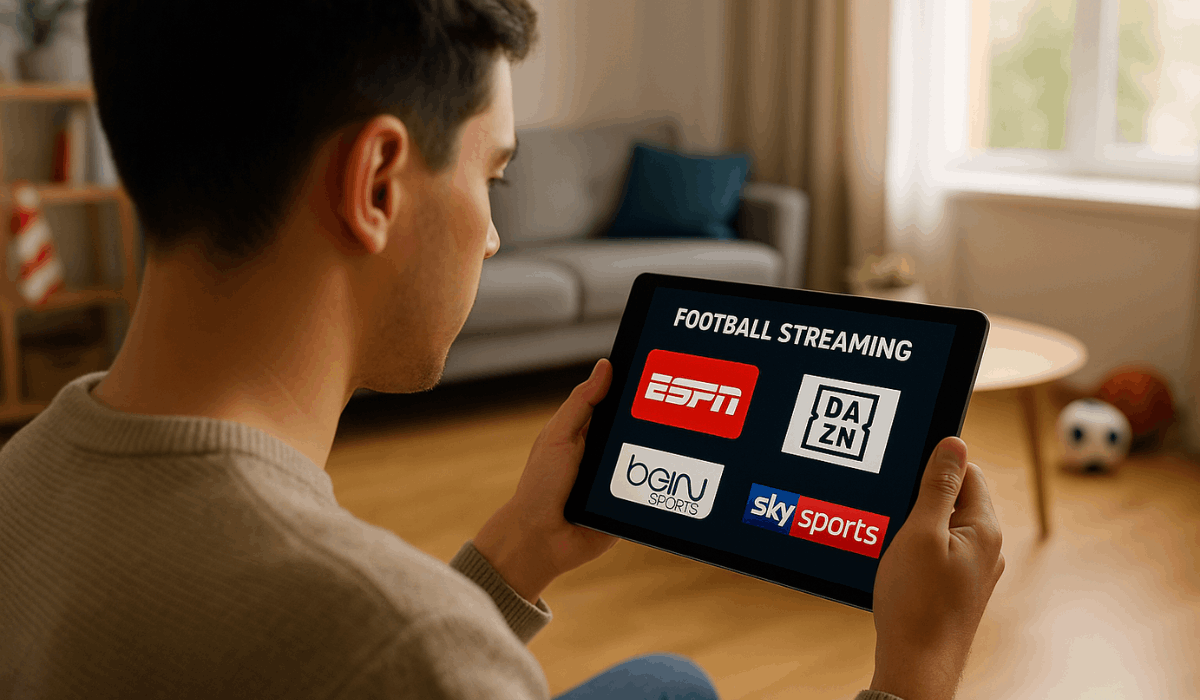
- Official Broadcasters: Networks like ESPN, Fox Sports, and Sky Sports often provide live streaming of matches.
- Subscription Services: Platforms such as DAZN, fuboTV, and Paramount+ offer paid access to multiple leagues and tournaments.
- Free Platforms: Some leagues provide official free streams or highlights online; quality and availability may vary.
- Regional Services: Local sports channels or streaming apps may cover national or regional leagues.
Check Device Compatibility
Before streaming football, ensure your device is compatible with the platform. Not all services run smoothly on every device. Here’s what to check.
- Smartphones and Tablets: Most streaming apps are available for iOS and Android devices.
- Computers and Laptops: Access via web browsers; ensure your browser is up to date.
- Smart TVs: Many platforms offer dedicated apps for smart TVs, providing larger screens and a better viewing experience.
- Streaming Devices: Devices like Roku, Amazon Fire TV, or Apple TV often support popular sports apps.
- Internet Connection: Make sure your device can handle stable Wi-Fi or mobile data for uninterrupted streaming.
- App vs Browser: Check if the platform recommends using its app or a browser for the best performance.
Consider Subscriptions and Packages
Most football streaming services offer different subscriptions and packages. Choosing the right one affects what matches you can watch and the extras you get. Here’s what to consider.
- Monthly Plans: Pay every month; flexible and easy to cancel if needed.
- Yearly Plans: Usually cheaper per month; ideal if you watch regularly.
- Per-Match or Tournament Packages: Pay only for specific games or competitions; suitable for occasional viewers.
- Extras: Some subscriptions include highlights, replays, multiple commentary options, or access to various leagues.
- Trial Periods: Many services offer free trials to test quality and features before committing.
- Payment Methods: Check for secure payment options like credit cards, PayPal, or app stores.
Internet Speed Requirements
A stable internet connection is essential for streaming football without interruptions. Slow connections can cause buffering or low-quality video. Here’s what you need to know.
- Minimum Speed for SD Streaming: 3–5 Mbps is usually enough for standard definition.
- Recommended Speed for HD Streaming: 5–10 Mbps provides clear, smooth HD video.
- 4K or Ultra HD: 15–25 Mbps is ideal for high-resolution viewing.
- Wired vs Wireless: Wired connections often provide more stability than Wi-Fi.
- Optimize Bandwidth: Close other apps or devices that use the internet to avoid interruptions.
- Test Your Speed: Use online speed test tools to confirm your connection meets the required speed.
Using VPNs
Sometimes, matches are restricted in certain regions. A VPN can help you access them safely. Here’s what you need to know.
- Access Region-Locked Content: VPNs let you watch matches not available in your country.
- Choose a Reliable VPN: Pick one with fast servers and good security.
- Connection Speed Matters: A VPN can slow down your connection; choose high-speed servers.
- Legal Considerations: Always check the rules of the streaming service to avoid violations.
- Device Compatibility: Ensure your VPN works on your phone, computer, or smart TV.
- Security: Use VPNs with strong encryption to protect your data while streaming.
Follow Leagues and Schedules
Keeping track of leagues and match schedules helps you never miss a game. Knowing when and where matches happen makes streaming easier. Here’s how to stay updated.
- Official League Websites: Check sites like Premier League, La Liga, or UEFA for full fixtures and results.
- Live Score Websites: Use reliable score-tracking websites to see real-time results.
- Notifications: Enable email or browser alerts for upcoming matches.
- Calendar Integration: Sync match schedules with your phone or digital calendar.
- Social Media Updates: Follow official league or team accounts for announcements.
- Time Zones: Adjust schedules to your local time to ensure you don’t miss matches.
Record or Replay Matches
Sometimes you can’t watch a football match live. Recording or replaying matches lets you catch every goal later. Here’s how to make it work.
- DVR Options: Some streaming services allow you to record live matches to watch later.
- Replay Libraries: Paid platforms often provide full match replays and highlights after the game ends.
- Download for Offline Viewing: Certain apps let you save matches to your device to watch without internet.
- Check Availability Duration: Confirm how long recorded matches or replays remain accessible on the platform.
- Playback Controls: Use features like pause, rewind, or fast-forward for easier viewing.
- Multiple Matches: Some platforms let you record more than one match at a time, ideal for busy schedules.
Safety and Avoiding Scams
Watching football online comes with risks if you use unsafe sites. Scams and illegal streams can harm your device or steal your information. Here’s how to stay safe.
- Use Official Platforms: Stick to recognized streaming services to ensure legality.
- Avoid Suspicious Links: Don’t click on unknown pop-ups or free-streaming websites that seem unreliable.
- Check Website Security: Look for “https” and a padlock icon in the browser address bar.
- Secure Payments: Use trusted payment methods like credit cards or PayPal for subscriptions.
- Keep Devices Updated: Install the latest software updates to protect against malware.
- Read Reviews: Verify services through user feedback to confirm legitimacy.
Tips to Enhance Viewing Experience
You can make watching football online more enjoyable with a few simple adjustments. Small changes improve picture, sound, and convenience. Here are some tips.
- Enable Notifications: Set alerts for match start times and live updates.
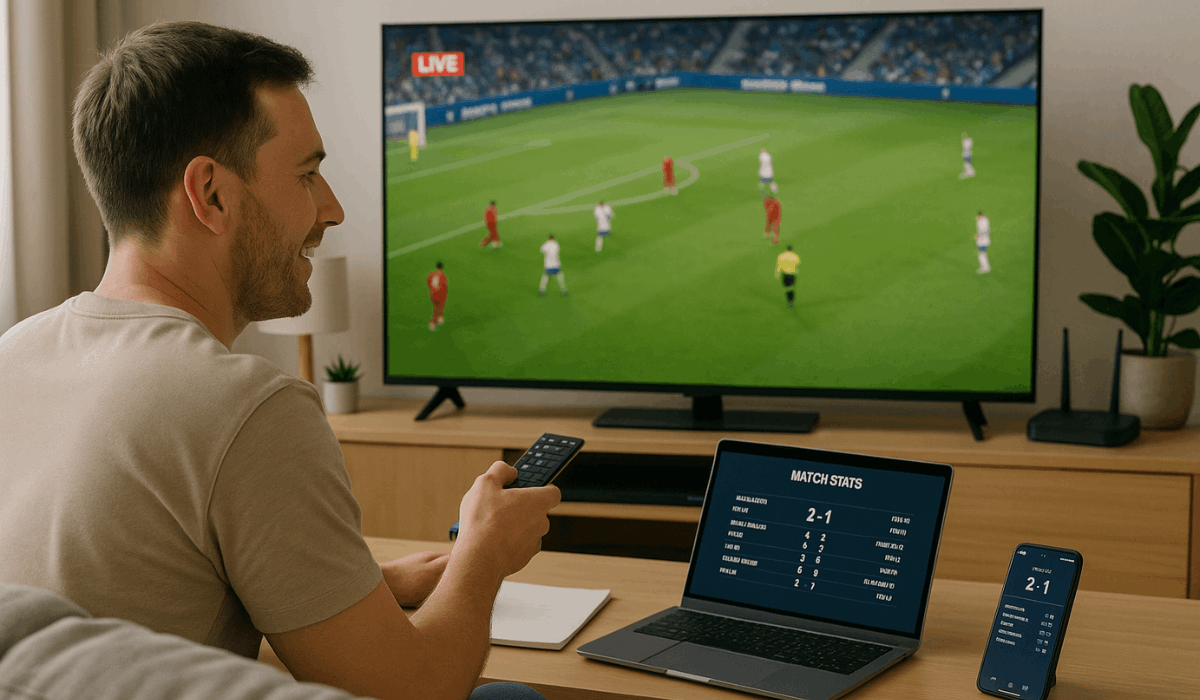
- Multi-Device Viewing: Use a second device for stats, commentary, or highlights while watching.
- Adjust Streaming Settings: Optimize video quality and sound for your internet speed and device.
- Use Headphones or External Speakers: Improves audio clarity, especially for commentary.
- Position Your Screen Properly: Ensure comfortable viewing distance and angle.
- Close Background Apps: Free up bandwidth and system resources for smoother playback.
The Bottomline
Watching football online is easier when you follow the proper steps. Use a reliable platform, check your device, and stay safe while streaming.
Start today by picking a service and never miss a match again.