Improving your sleep quality is essential for your overall health and productivity. Using sleep tracker apps can help you understand your sleep patterns and make targeted changes.
These apps provide valuable insights into your habits and allow you to make adjustments that lead to better rest. This guide will show you how they work, their benefits, and which apps are worth your attention.
Understanding Sleep Quality
Sleep quality goes beyond how many hours you spend in bed. It includes how much time you spend in deep sleep, REM sleep, and light sleep phases.
A healthy sleep cycle ensures your body and mind recover effectively each night. Factors such as stress, noise, and irregular schedules can disrupt this cycle.
Tracking these elements helps you see the reasons behind poor sleep. Once identified, they become easier to manage.
How Sleep Tracker Apps Work?
This section explains the key functions that make these tools effective. Each part covers an important aspect of how they track and present your sleep data.
Data Collection Methods
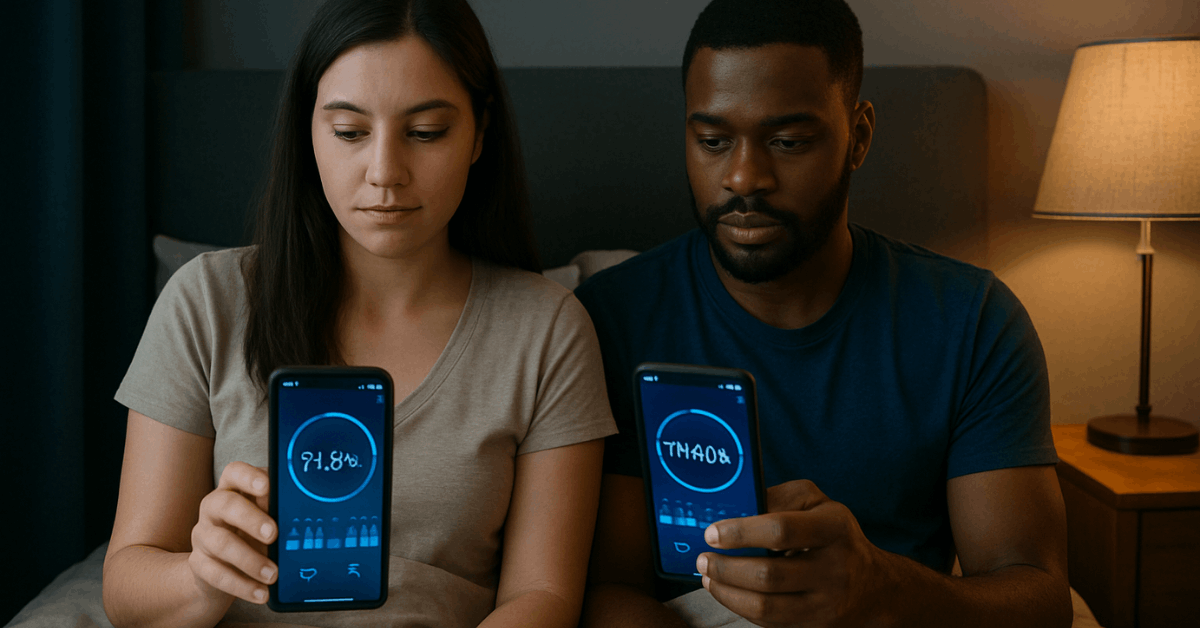
These apps gather information from your phone’s sensors or connected wearables. They record movements, sounds, and sometimes heart rate during sleep.
The aim is to build a detailed profile of your rest. This raw data forms the base for all analysis.
Sleep Pattern Monitoring
Apps track the different stages of sleep, including light, deep, and REM phases. They use movement and sound cues to estimate these cycles.
By doing so, they highlight how balanced your sleep is each night. This helps you see where improvement is needed.
Report Generation
Collected data is processed into charts and summaries you can read easily. Reports show sleep duration, cycle trends, and disturbances.
Many apps also include comparisons over time. This makes it simple to track progress.
Additional Features
Some apps offer audio recordings to detect snoring or unusual noises. Others integrate with health platforms to link sleep with other wellness metrics.
These extra functions give a fuller view of your rest. The result is a clear and useful sleep profile.
Benefits of Using Sleep Tracker Apps
These tools offer multiple advantages that can support better rest. Below are some key points you should know.
- Receive personalized feedback tailored to your sleep habits.
- Discover patterns you may not have noticed, like late caffeine consumption affecting your deep sleep.
- Use smart alarms that wake you up during lighter sleep phases, reducing grogginess.
- Make gradual adjustments to your routines over time for better rest.
- Maintain consistent tracking to encourage healthier sleep habits.
- Enjoy improved focus and energy levels during the day as a result of better sleep.
Steps to Improve Sleep Quality with Sleep Tracker Apps
Here are clear, actionable tips to help you get the most from your sleep tracking. These points focus on practical changes that can improve your results.
- Choose an app with accurate tracking and good reviews to ensure reliable data.
- Set a consistent bedtime and wake-up time within the app to create a steady routine.
- Use built-in reminders to avoid activities that disrupt sleep, such as screen time before bed.
- Review your weekly reports and look for recurring issues to identify problem patterns.
- Adjust habits based on the feedback provided by the app to target improvements.
Combine tracking with good sleep hygiene, such as keeping your bedroom cool and dark, for best results.
Top 5 Sleep Tracker Apps That Will Help Yor Sleep
These apps are available on both major platforms and are widely recognized for their features and reliability. They cater to different needs, from basic tracking to detailed health analytics.
Sleep Cycle
Offers detailed sleep analysis and a smart alarm that wakes you at the optimal time. Tracks movement and sound without needing a wearable.
Integrates with health apps for better data insights. Provides trends over weeks and months.
Useful for identifying long-term sleep patterns. You can download it from both the Google Play Store and the App Store, depending on your device.
Pillow
Designed for iOS but also available on Android. Tracks heart rate, detects snoring, and offers sleep stage analysis.
Includes nap tracking and mood recording. Can sync with Apple Watch for automatic tracking.
Presents your sleep history in a clean, visual format. It’s available for download on the App Store and Google Play, so you can install it easily.
SleepScore
Uses scientifically validated methods to analyze sleep. Offers personalized recommendations based on your data.
Tracks both quantity and quality of rest. Includes a progress dashboard for goal tracking.
Great for those seeking expert-backed suggestions. You can find it for free on Google Play and the App Store, making it accessible for most users.
AutoSleep
Works automatically with Apple Watch but also supports manual tracking. Provides deep analytics and trend reports.
Measures time asleep, quality scores, and readiness levels. Allows for easy integration with other health metrics.
Ideal for Apple users who want detailed reports. Download it through the App Store to start tracking quickly.

How to Use Sleep Tracker Data Effectively?
This section covers practical ways to interpret and act on the information your app provides. Each part explains a key element for making the most of your sleep data.
Reading Graphs and Reports
Learning to read the app’s graphs and reports is the first step. Look for details on sleep duration, stages, and disturbances.
These visuals help you spot important trends. They form the base for understanding your sleep quality.
Spotting Patterns
Focus on patterns like frequent wake-ups or reduced deep sleep. Identify whether these happen at specific times or after certain activities.
Recognizing these patterns helps you connect habits with results. This gives you a starting point for change.
Identifying Problem Behaviors
Determine behaviors that may be causing poor results, such as eating too late at night. Consider lifestyle factors like stress or caffeine intake.
This awareness allows you to target the root causes. Addressing them can improve your sleep outcomes.
Applying Recommendations
Use the recommendations provided by the app to make changes. Track the impact of each change over several weeks.
This consistent follow-up ensures you’re making progress. Adjust further if needed to keep improving.
Common Mistakes to Avoid
Here are some errors you should avoid when using sleep tracker apps. These points will help you get accurate results and real improvements.
- Relying on the app but making no actual lifestyle changes limits its benefits.
- Ignoring basic sleep hygiene, such as controlling noise and light in the bedroom.
- Misreading short-term data and drawing incorrect conclusions.
- Overtracking can create unnecessary anxiety about your sleep.
- Forgetting that the goal is to improve habits, not to obsess over nightly variations.
Expert Tips for Better Sleep with Apps
Here are some practical suggestions to enhance your results when using sleep tracker apps. These points focus on improving both your tracking accuracy and your sleep quality.
- Pair tracking with calming activities like reading or meditation before bed.
- Keep your phone or wearable at a comfortable distance to avoid distractions.
- Use night mode to limit blue light exposure from screens.
- Regularly update your app to benefit from new features and accuracy improvements.
- Take note of environmental factors like room temperature, as they can affect your results.
- Keep your setup consistent for more reliable data.
Final Thoughts: Start Sleeping Smarter Today
Using sleep tracker apps is one of the easiest ways to take control of your rest. They give you valuable insights and help you make practical changes that improve your nightly recovery.
Remember, the data is only useful if you take action on it. Start tracking tonight, apply the tips you’ve learned, and watch your sleep quality improve week by week.