
Navigation is an essential part of everyday life, but internet access is not always available. This is why it is important to know how to use GPS offline and prepare before you travel.
Many people struggle when traveling in remote areas or abroad without reliable internet. Learning to use an offline app like MAPS.ME makes your trips simpler and stress-free.
Understanding Offline GPS Navigation
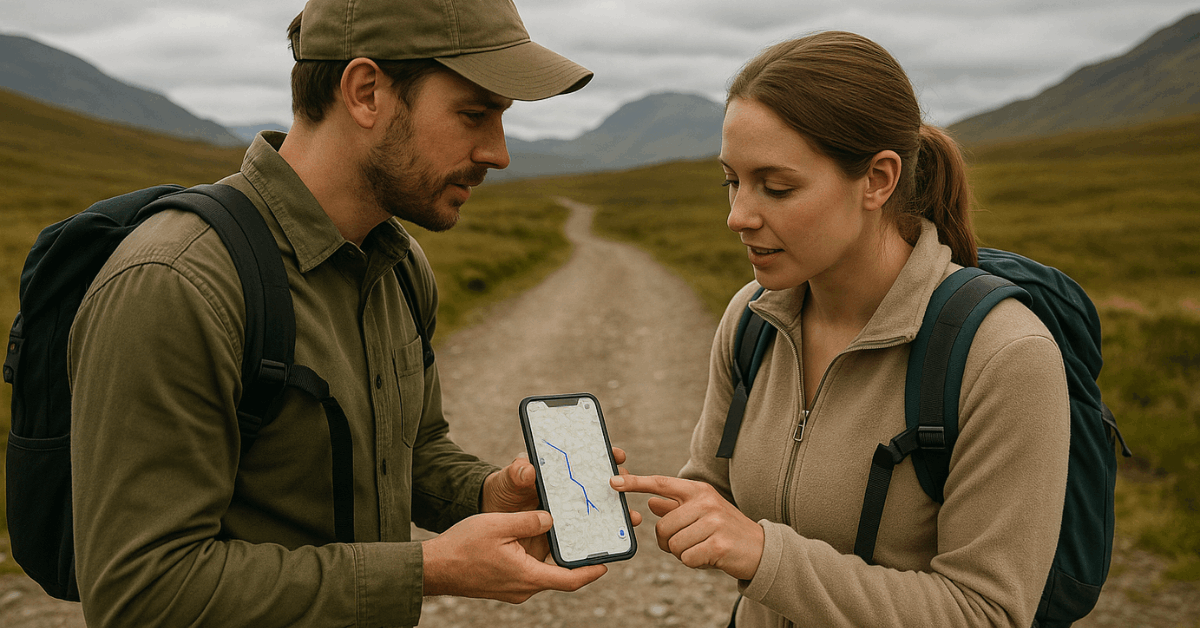
Offline GPS navigation is a tool that allows you to move around without depending on mobile data. It gives you access to maps, routes, and points of interest without requiring constant internet.
This option is useful when traveling abroad or exploring areas with poor connectivity. It also saves data costs and battery life.
Benefits of Offline GPS
When using offline navigation, you gain stability in areas with no mobile signal. It saves money by avoiding roaming charges when you travel internationally.
You also reduce battery drain since the phone does not need to stay connected to mobile data. Finally, you can rely on it in emergencies where internet access fails.
Key Differences from Online GPS
Online navigation depends on real-time updates like traffic conditions and new routes. Offline navigation, however, uses downloaded maps that remain on your device.
This makes offline tools more dependable in isolated areas but less precise in traffic-heavy regions. It ensures you always have a backup navigation method.
Getting Started with MAPS.ME
To use the app effectively, you need to set it up correctly. It is simple to download, install, and configure.
Once installed, the app works directly with your device’s GPS. Proper setup ensures accurate navigation even without data.
Download and Installation
You can install the app from both the Google Play Store and the Apple App Store. Search for MAPS.ME and download it to your device.
The installation process is fast and requires minimal space. Once complete, open the app to start setup.
Initial Setup and Permissions
After installation, the app requests permission to use GPS. You should allow this to ensure the app can track your location offline.
Configure the language and units of measurement according to your preference. With these steps done, the app is ready for offline use.
Downloading and Managing Offline Maps
Offline maps must be downloaded before you travel. This step ensures that you can navigate even without data.
The app allows you to select countries, regions, or cities. Updating maps regularly keeps the information accurate.
Selecting and Downloading Regions
When planning a trip, search for your destination in the app. The app prompts you to download the necessary region or country map.
These files vary in size, so make sure you have enough storage. Once downloaded, maps are always available offline.
Storage and Updates
Maps can take up significant storage on your phone. Delete regions you no longer need to free space.
Before each trip, update maps to get the latest routes and details. Keeping them fresh guarantees more accurate navigation.
Navigating Offline with MAPS.ME
After downloading, you can use the app for complete navigation. It provides turn-by-turn directions without needing data.
You can also search for addresses and landmarks offline. This makes travel simpler and reliable.
Turn-By-Turn Directions
The app guides you with clear voice directions. It works like online apps but without internet dependency.
Routes remain accurate as long as maps are updated. This feature is helpful for drivers and pedestrians alike.
Planning and Recalculating Routes
You can set starting and ending points before leaving. The app calculates the route based on your offline maps.
If you make a wrong turn, it recalculates without needing data. This ensures smooth travel even in unfamiliar areas.
Searching Points of Interest
The app has an internal database of places like restaurants, gas stations, and attractions. These can be searched offline after downloading the maps.
It saves time when you need to find services in remote areas. This makes the app more practical for travelers.
Extra Features for Travelers
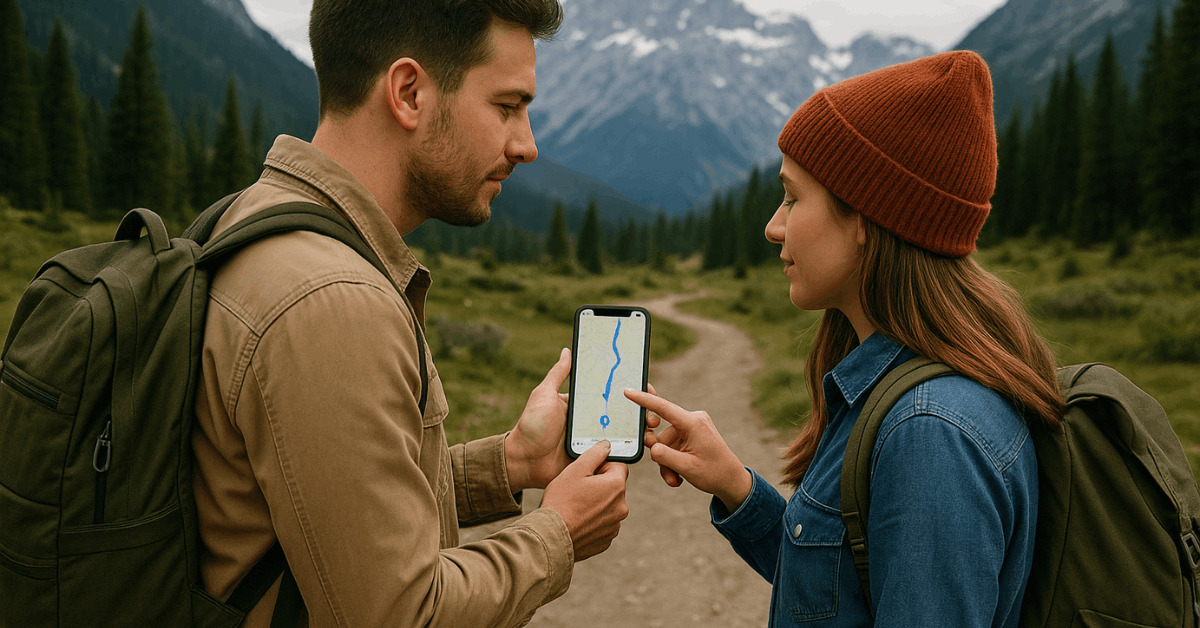
Offline apps also provide extra tools that improve trips. These include bookmarking, categories, and public transport details.
Using them makes offline GPS more complete. They help you customize your travel experience.
Bookmarking Favorite Locations
You can save important places for quick access. Bookmarks are useful for hotels, meeting spots, or attractions.
Once saved, they appear on your map for easy navigation. This avoids repeating searches.
Exploring by Categories
The app organizes points of interest into categories. You can browse restaurants, shopping centers, or services quickly.
It is useful when exploring a new city without internet. This feature improves convenience for daily use.
Public Transport Options
In some regions, offline maps include bus and train routes. This helps travelers move around without needing mobile data.
It is limited to supported areas but is highly valuable where available. It adds another layer of practicality to offline navigation.
Practical Scenarios for Offline GPS
Offline GPS is not just a backup option. It is often the most reliable method in key situations. From saving money to traveling in remote areas, its value is clear. Below are common scenarios where it proves useful.
- International Travel – Avoid roaming charges by relying on offline maps abroad.
- Remote Exploration – Navigate mountains, forests, or rural regions without signal issues.
- Battery Saving – Use less power since the app does not depend on mobile data.
- Emergency Use – Stay oriented in case of network failures or disasters.
Best Practices and Tips
Knowing the best practices ensures smooth use of offline navigation. Proper preparation avoids common issues.
Simple steps like charging your phone and updating maps matter. Follow these habits to maximize reliability.
- Download maps before leaving – Always prepare maps in advance to avoid problems.
- Keep your device charged – Offline GPS drains less battery but still requires power.
- Update maps frequently – Regular updates ensure accurate directions and places.
- Enable GPS services – GPS should remain active even when offline.
Limitations of Offline GPS
Offline tools are reliable, but they have limits. Knowing them helps you prepare better. This ensures you are not caught by surprise. Manage expectations to get the most from the app.
No Live Traffic Data
Since offline apps do not use mobile data, they cannot show traffic updates. This means travel time may be longer during peak hours.
For urban trips, online navigation may still be necessary. Offline maps are better suited for general navigation.
Storage Needs
Large countries or regions take up more space on your device. If your phone has limited storage, download only what you need.
Manage your maps to avoid problems. Freeing space ensures smoother performance.
Updating Frequency
Maps become outdated if not refreshed. New roads or businesses may not appear.
Always check for updates before important trips. This keeps navigation as accurate as possible.
Security and Privacy
Offline navigation also has advantages for privacy. Without data use, your location is not constantly tracked by servers. This reduces exposure of personal information. It also limits data consumption.
Privacy Benefits
Offline use means no constant internet connection. This reduces the risk of third-party tracking.
It also ensures your movements stay private. This appeals to many privacy-conscious users.
Data Efficiency
Using offline GPS consumes no mobile data. This is ideal for prepaid users or those with limited plans. It also prevents unexpected costs during international trips. It makes navigation both safe and cost-effective.
Comparing Alternatives
MAPS.ME is not the only offline navigation option. Other apps also provide similar services.
Comparing them helps you choose the right tool. Each has unique strengths and weaknesses.
Feature Differences
Some apps focus on car navigation, while others include walking or biking. MAPS.ME supports multiple modes, but coverage varies.
Alternatives may have better city traffic features. Choosing depends on your needs.
When MAPS.ME Stands Out?
It works well for travelers needing offline city and country maps. It also offers detailed points of interest.
Compared to others, it is simple and user-friendly. It suits general travel planning.
Final Thoughts: Why Offline GPS Matters?
Offline navigation is a reliable tool that ensures safe travel anywhere. It is important to know how to use GPS offline for both short trips and long journeys.
By preparing maps and understanding features, you avoid problems when the internet is not available. Offline GPS keeps you moving, connected, and secure in every situation.