Access to the internet is essential for daily communication, work, and entertainment. If you want to get free WiFi on mobile, there are many legitimate ways to connect without paying for extra data.
These methods range from public hotspots to special carrier perks, each with unique benefits and risks. This guide explains every option so you can make informed and safe decisions about your mobile internet use.
Understanding Free WiFi Access
Knowing how free WiFi works helps you choose the right sources. Free WiFi comes from both public and private networks, each with different rules and protections.
Public WiFi is usually open and found in places like cafes or airports, while private networks may require permission or membership.
Understanding these differences allows you to connect safely and avoid unreliable networks.
Public WiFi Hotspots
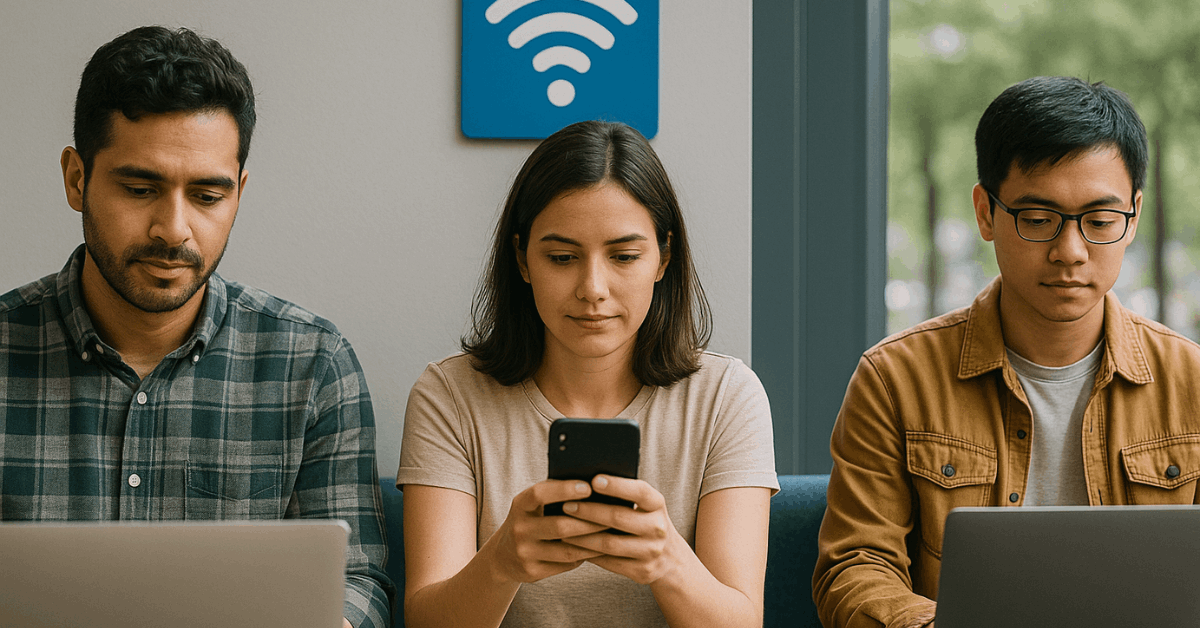
Public WiFi hotspots are among the most common ways to connect without using your mobile data. Many cafes, restaurants, libraries, and shopping malls offer free internet to customers or visitors.
These connections are easy to find and typically require only a quick login or agreement to terms of use. However, it’s important to check that the network is legitimate before connecting.
Mobile Apps for Finding Free WiFi
Some mobile apps are designed to help you locate and connect to free WiFi networks quickly. These apps collect and share hotspot locations, often verified by other users.
Using such apps can save time and increase your chances of finding a reliable connection. Always ensure the app you choose has positive reviews and transparent privacy policies.
Carrier and ISP-Provided Free WiFi
Many mobile carriers and internet service providers give subscribers access to free WiFi networks. These networks are usually more secure and faster than public options.
To use them, you typically log in with your customer account or phone number. Checking with your provider can reveal networks you already have access to without extra cost.
Tethering and Hotspot Sharing from Others
Tethering allows one device to share its internet connection with another, creating a private network. Friends or family can share their mobile data with you temporarily if needed.
This method is secure because you know the source of the connection. Be mindful of the data limits and battery usage when using someone else’s hotspot.
Municipal and Government WiFi Programs
Some cities and towns operate free public WiFi networks for residents and visitors. These initiatives are often available in busy public spaces, parks, and transport hubs.
Municipal WiFi can be a dependable option, especially in areas with strong coverage. Always verify the official network name to avoid connecting to unsafe copies.
Loyalty Programs and Membership Perks
Businesses often reward customers with free WiFi as part of their loyalty programs or memberships. Hotels, gyms, and retail chains may include internet access as a benefit.
Signing up for these programs can give you regular and secure access when visiting their locations. This is a convenient way to combine shopping or activities with internet use.
Offline and Download Options
While not technically free WiFi, preparing content for offline use helps reduce your need for internet connections.
Downloading maps, videos, or work files in advance means you can keep working or enjoying entertainment without using mobile data.
This strategy works well when you expect to be in areas without reliable free WiFi. Combining this with occasional free connections maximizes convenience.
Safety and Security When Using Free WiFi
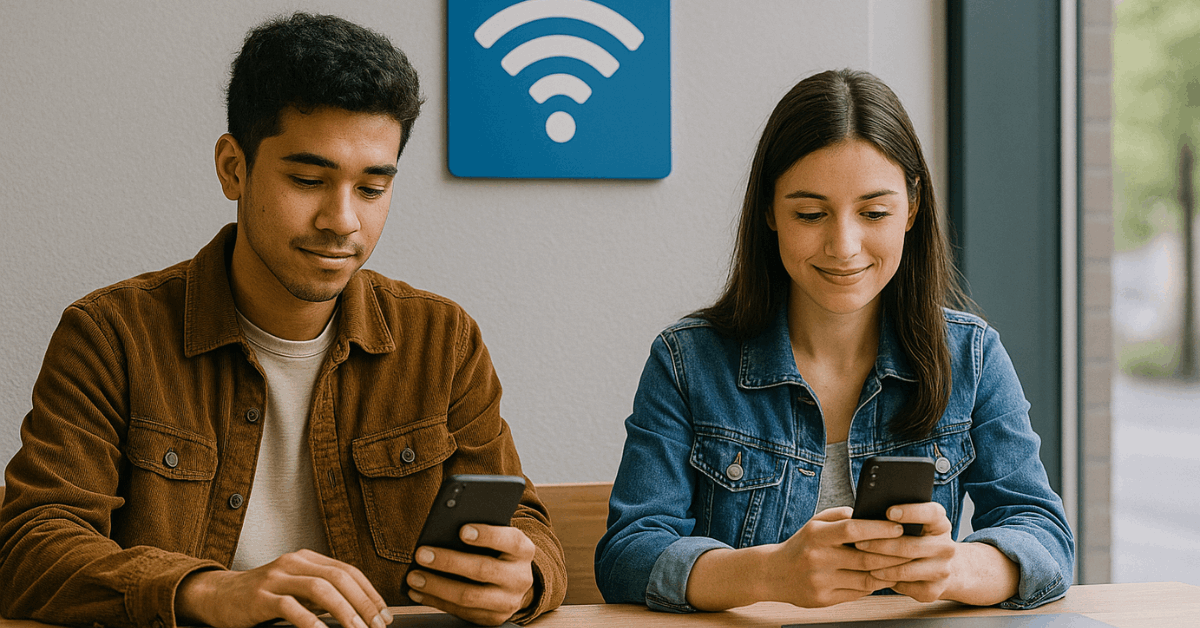
Security should always be your top priority when connecting to free WiFi. Public networks can be vulnerable to hackers, making it risky to access sensitive accounts.
Using a VPN can encrypt your data and protect your activity from prying eyes. Avoid online banking or sharing personal details while connected to unsecured networks.
Advanced Tips for Power Users
Here’s a quick introduction to prepare you for the list below. These tips will help you optimize your free WiFi connections and improve overall performance.
- Check signal strength before connecting to choose the fastest network.
- Save frequently used networks in your mobile settings for quicker access.
- Use portable WiFi boosters if you often work in a fixed location.
- Keep your device updated to maintain compatibility with various networks.
Practical Steps to Get Free WiFi on Mobile
Here’s a quick guide to prepare you for the breakdown below. These steps will help you understand where to look and how to connect safely.
Public Hotspot Locations
Here’s a quick introduction to prepare you for the list below. These points outline where you can commonly find free WiFi and how to make the most of it.
- Cafes, restaurants, and fast-food chains often provide free WiFi.
- Public libraries and community centers usually have open networks.
- Airports and major transport hubs often offer limited free sessions.
- Retail stores may provide WiFi to enhance the shopping experience.
Recommended Mobile Apps
Here’s a quick introduction to prepare you for the list below. These points highlight useful apps to locate free WiFi and how they can benefit your search.
- WiFi Map – Lists hotspots worldwide with user reviews. Open on Google Play and App Store.
- Instabridge – Shares passwords for public and shared networks. Available on Google Play and App Store.
- OpenSignal – Tests signal strength and maps connections. Available on Google Play and App Store.
- Wiman – Offers hotspot locations with categories by reliability. Available on Google Play.
Carrier and ISP Services
Here’s a quick introduction to prepare you for the list below. These points explain how your service provider can help you connect without extra charges.
- Contact your mobile carrier to check if they have WiFi zones.
- ISPs like Comcast or BT often include public network access in plans.
- Use your account credentials to log in securely.
- Some providers offer special apps to auto-connect to their networks.
Safety Precautions
Here’s a quick introduction to prepare you for the list below. These points cover essential actions to stay secure when using free WiFi.
- Use a VPN to protect your personal data.
- Keep your device’s firewall enabled.
- Turn off file sharing before connecting.
- Always disconnect from unused networks when not in use.
Conclusion – Stay Connected Without Extra Costs
Learning how to get free WiFi on mobile gives you more flexibility in managing your internet needs. From public hotspots to provider services, there are multiple ways to stay connected without spending extra money.
The key is to balance convenience with security, using trusted sources and protective tools. With these methods, you can enjoy reliable internet access wherever you go without increasing your expenses.